Constructive Alignment is an approach to teaching and learning in which the learning outcomes that students are expected to achieve are defined and stated at the beginning of a course or unit of material. Then, both teaching and assessment materials and methods are designed to support the mastery of those outcomes.
This idea — Constructive Alignment — combines aspects of backward design with the broad theory of constructivism. Aligning learning outcomes with assessment strategies is common practice in backward design (and highlighted in the Carleton course Resilient Teaching with Technology). Constructive Alignment combines this with the notion from constructivism that learners create meaning as they work and study, rather than having static information transmitted whole cloth into their brains from an instructor or book or LMS.
Further, an important piece of Constructive Alignment is the notion that learners construct meaning specifically from what they do to learn . In Constructive Alignment, assessments do not only gauge students’ mastery of the content of the course, but also their ability to “employ the various media and methods of communication being studied to research, analyze and communicate their assignment questions.“
In Hormones, Brain & Behavior, Sarah Meerts uses a lot of visually-oriented test questions. Students need to draw or identify graphs that correctly represent a concept or results, and identify which image of a group is drawn correctly. Students need to not only understand the concepts but to be able to analyze and navigate the graphs and images used to communicate information.
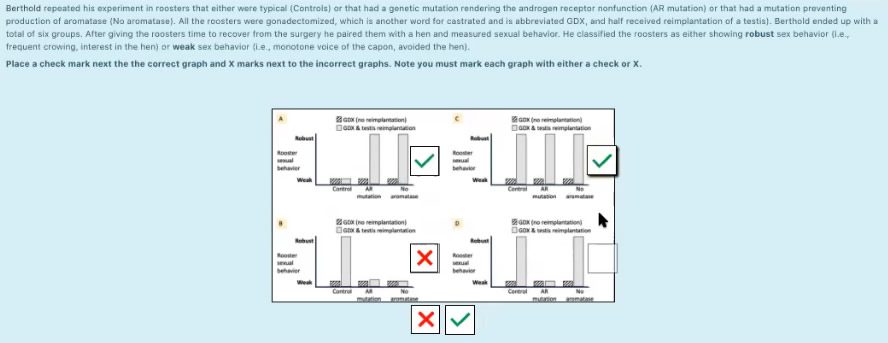
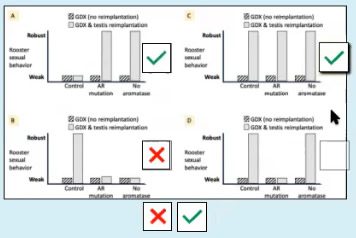
To preserve the visual aspect of her test questions, Sarah used the Moodle question type, Drag and Drop onto Image. This question type does exactly what it sounds like – it allows the students to drag one or more images onto another one.
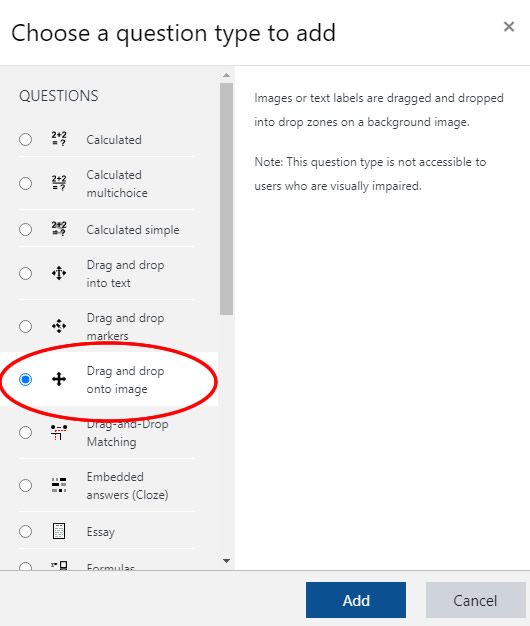
To use this question type, first select it from the list of possibilities.
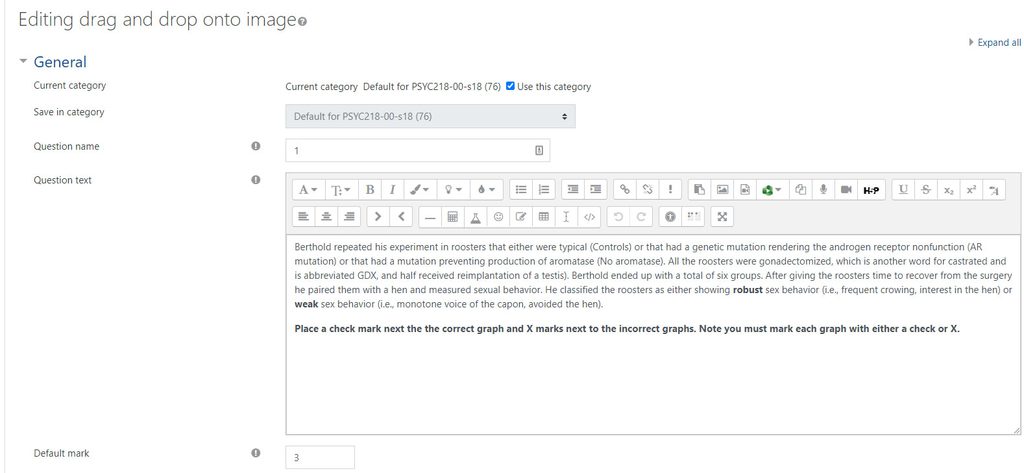
Enter the question text in the text area.
Then choose a background image.
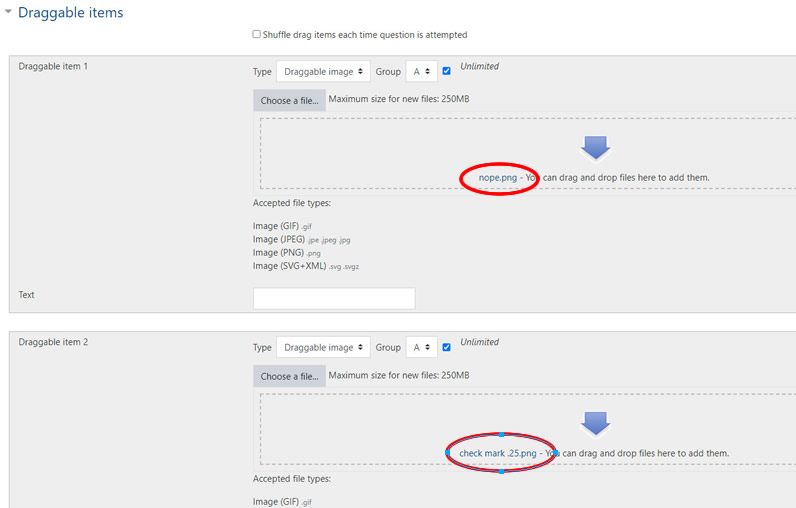
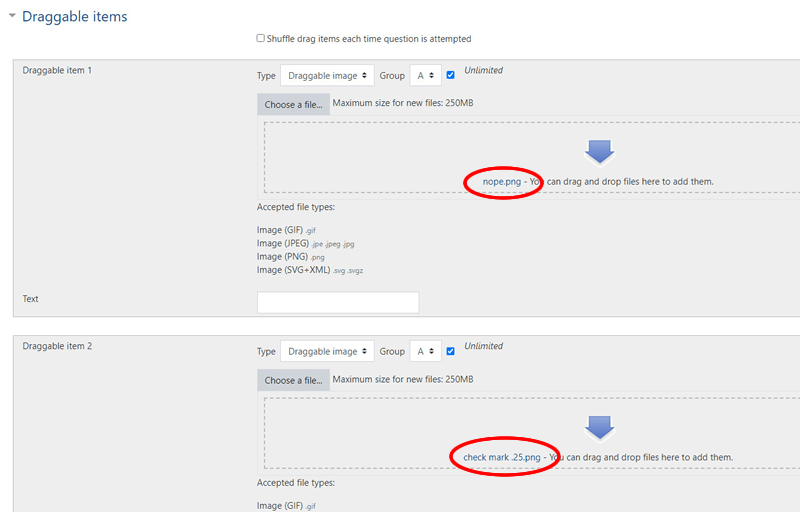
Finally, choose the draggable images. In this case, the red X image is called “nope.png” and the green checkmark image is named “checkmark.png”
Of course it is important to keep accessibility in mind when using this question type. Alternatives may need to be added if students are unable to view certain images.